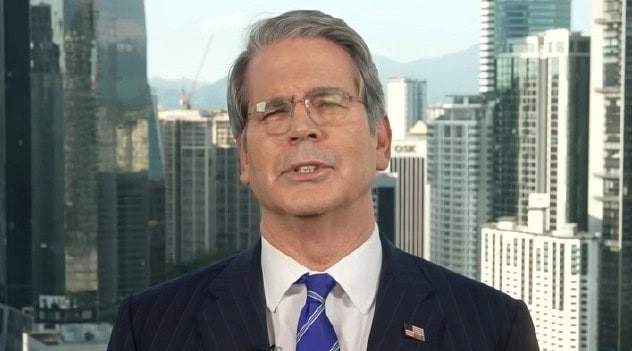
How to improve your professional presence in virtual meetings

Enhancing your professional appearance and audio quality during video calls requires preparation and situational awareness rather than expensive hardware.
Optimising your visual setup
Creating a professional digital environment starts with your lighting and camera positioning. Positioning your primary light source in front of you, rather than behind, prevents you from appearing as a silhouette on screen.
Natural light from a window is often the most effective tool for a clear image. If using artificial light, ensure it is positioned at eye level to avoid harsh shadows or an unflattering upward angle.
The placement of your device also dictates your perceived engagement. Elevating your laptop or webcam to eye level helps maintain simulated eye contact with participants, which mimics the dynamics of an in-person interaction.
Improving audio clarity
Clear communication is frequently more important than high-definition video. Background noise and echo can significantly disrupt the flow of a meeting and diminish your professional authority.
To mitigate these issues, consider the following steps:
- Use headphones: Even basic wired earbuds can prevent audio feedback and isolate your voice.
- Control your environment: Close windows and doors to reduce external noise from traffic or household activities.
- Check microphone levels: Test your audio settings prior to the call to ensure your volume is neither too quiet nor clipping.
Digital professionalism and etiquette
Your background plays a significant role in how you are perceived by colleagues and clients. A cluttered or distracting background can divert attention away from the subject matter of the meeting.
If your physical workspace is not suitable, most video conferencing platforms offer background blur or high-quality virtual backgrounds. These tools allow you to maintain a clean, neutral aesthetic without needing a dedicated home office.
Maintaining focus during the call is another component of virtual presence. Minimising multitasking and ensuring your camera is positioned correctly signals to other participants that you are actively contributing to the discussion.